
Getting started with Software & App
Our team has put together a flow for the download of the Zoho Creator software and the
Wellness Coach App
How to setup the Software and App
Zoho Creator Software
Step 1.
This software is Web Based and allows you to use Apps for Apple and Android devices
Go to Step 6, for Refer and Earn

Wellness Coach App
Step 2.
To order your Wellness Coach App you need to go to Zoho Marketplace to buy the subscription

Your Details
Step 3.
Now that you have installed your App, you need to set it up by entering your details so the forms operate smoothly
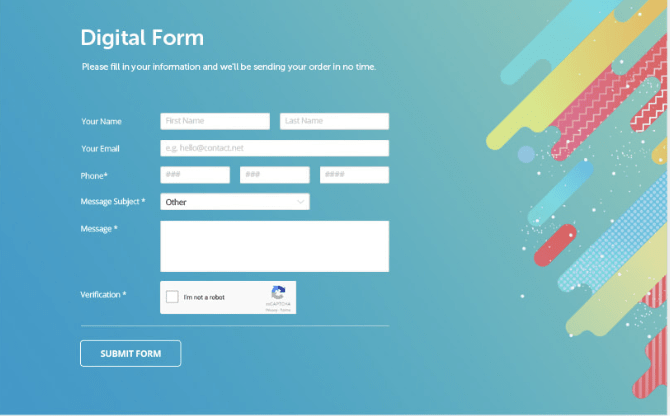
Publish Forms
Step 4.
The forms in the APP can be Published Links so you can add to marketing material and social media etc
Start using the App's Forms, Reports etc
.jpeg)
Tiny URL's for forms
Step 5.
This is for converting the Publish Links to smaller links via the TinyURL App

Referral and Earn
Step 6.
Send a Zoho Creator referral link to members and earn credits
Ask your Team Leader for the Referral Link

Forms and Reports
Step 7.
This video explains what forms you can use to keep your clients records and then look up the reports to this forms for future reference
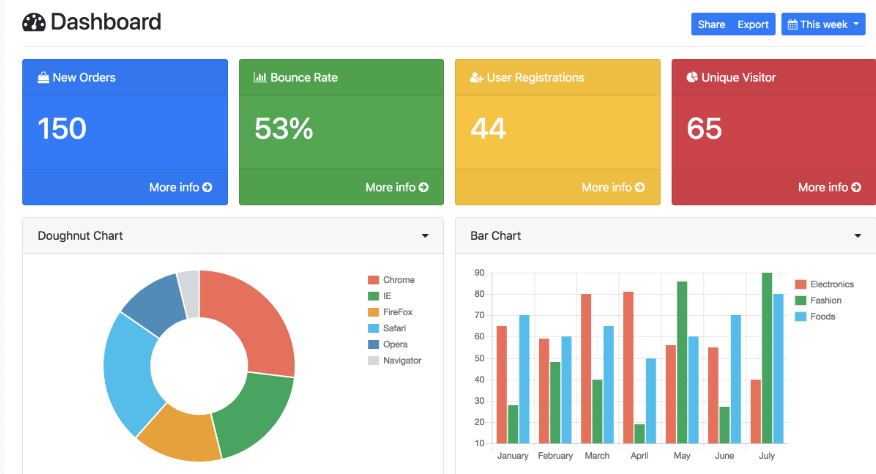
Graphs
Step 8.
Charts are produced from the Weigh In Form thus showing great Charts for Weigh-In form, Measurements and BMI Trend which you can then Screenshot and send to your Clients